





How to Use DTF Transfers: Heat Press Guide for Beginners

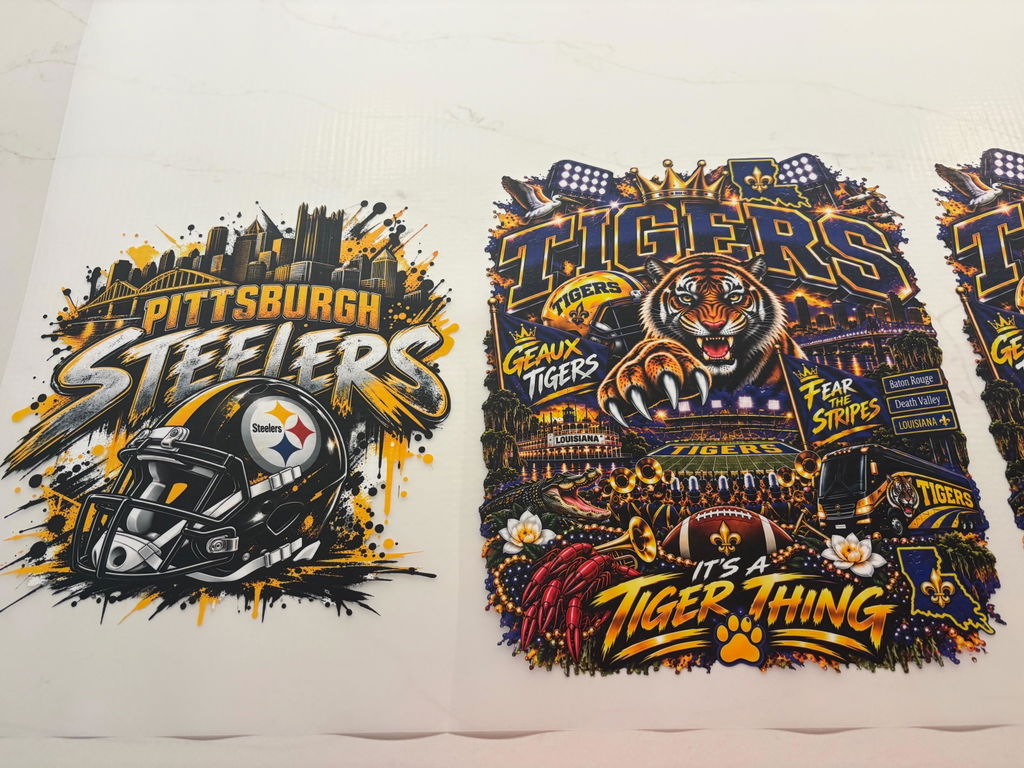
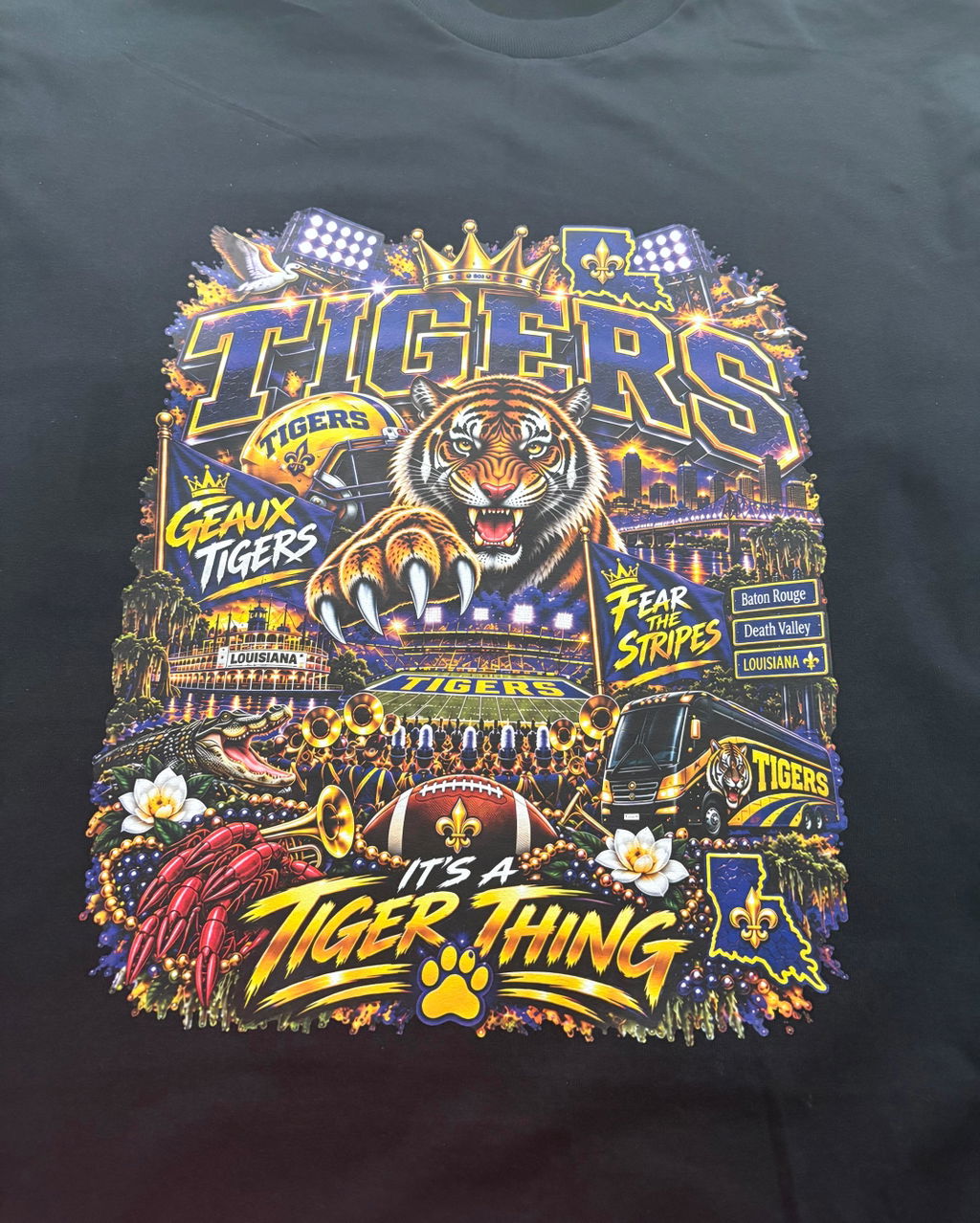
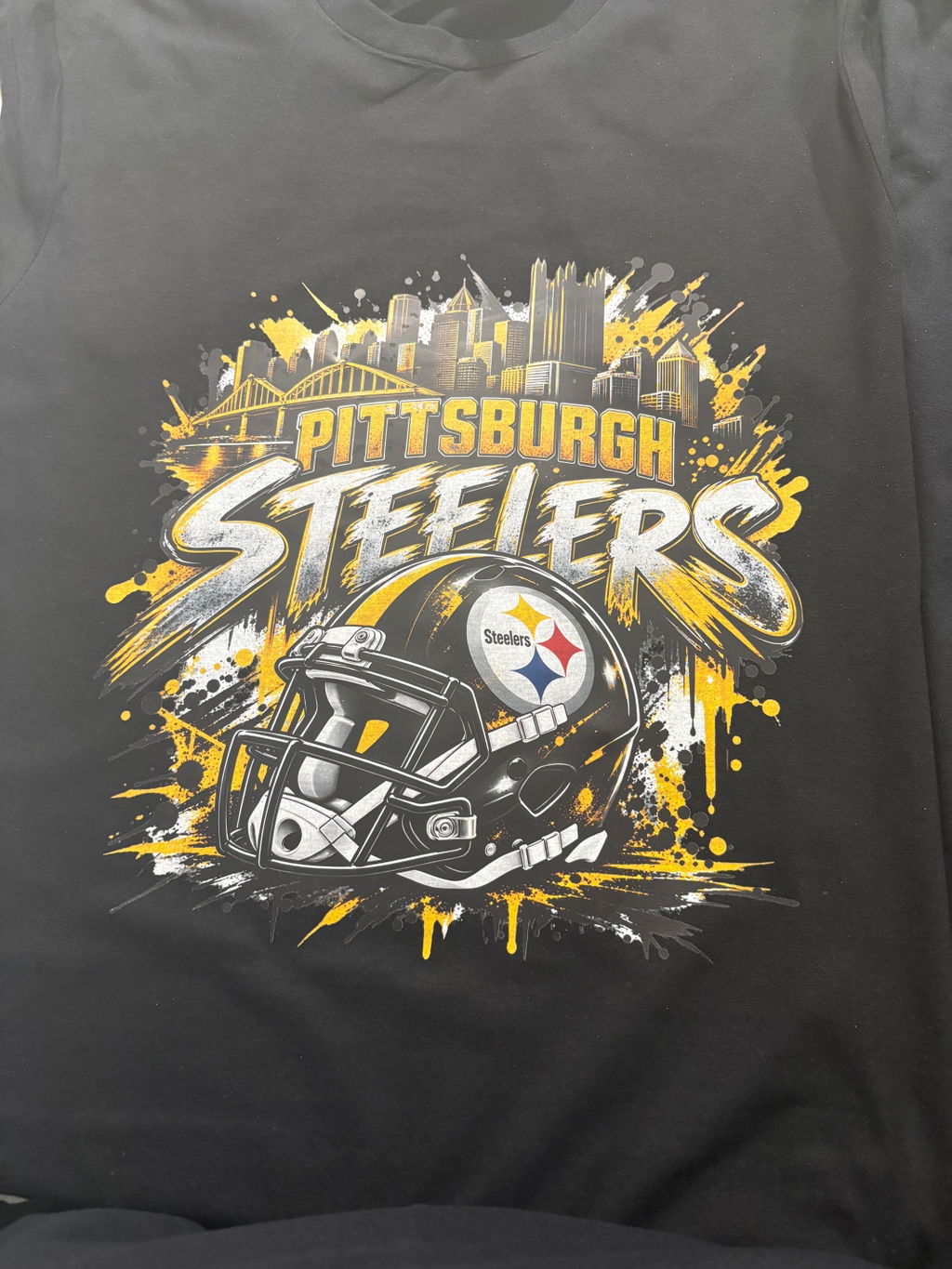
DTF transfers are one of the easiest ways to create professional-looking custom shirts without owning a DTF printer. If you already have a design and a heat press, you can order ready-to-press DTF transfers online and apply them to shirts, hoodies, sweatshirts, tote bags, and many other apparel items.
This beginner-friendly guide explains how to use DTF transfers, what temperature and press time to use, how to peel the film, and how to get a clean, durable finish.
DTF stands for Direct-to-Film. A design is printed onto a special transfer film, coated with adhesive, and prepared for heat application.
Instead of printing directly onto the garment, you receive a ready-to-press transfer that can be applied using a heat press.
DTF transfers are popular because they can reproduce:
They can be used on many common apparel fabrics, including cotton, polyester, cotton/poly blends, hoodies, sweatshirts, and other compatible garments.
You do not need to own a DTF printer, powder shaker, curing equipment, or RIP software to start using DTF transfers.
The easiest process is:
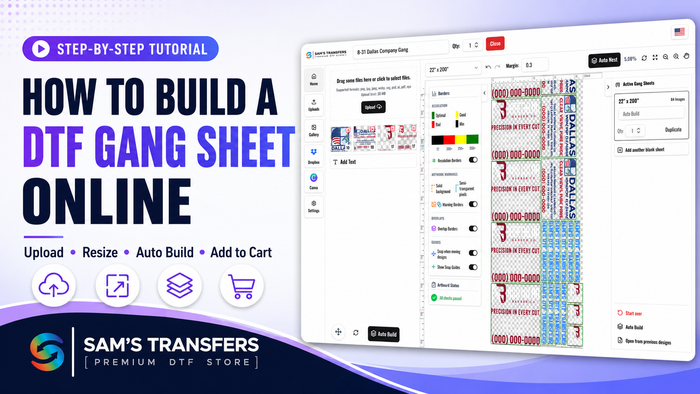
At Sam’s DTF Transfers, you can order individual transfers by size, build your own gang sheet, or upload a print-ready gang sheet.
For most projects, you only need a few basic items:
A quality heat press is recommended because consistent temperature and pressure are important for proper adhesion.
For Sam’s DTF Transfers, use the following settings as your starting point:
| Setting | Recommended |
| Temperature | 290–310°F |
| Press Time | 7–10 seconds |
| Pressure | Medium |
| Peel | Hot Peel |
| Final Press | 3–5 seconds |
Different garments and heat presses can behave differently, so a small test is always recommended when working with unfamiliar materials.
Place the garment flat on the heat press.
Use a lint roller if necessary to remove dust, lint, or loose fibers.
Pre-press the garment briefly to remove moisture and wrinkles. This also creates a smooth surface for the transfer.
Place the transfer where you want the design to appear.
The printed design should face upward, with the adhesive side against the garment.
Use a ruler or placement guide if you need consistent positioning across multiple shirts.
For larger designs, check the alignment before pressing.
Set your heat press between 290°F and 310°F.
Press the transfer for approximately 7–10 seconds using medium pressure.
Avoid excessive pressure or unnecessary press time. Too much heat can affect the garment or the transfer.
Sam’s DTF Transfers are designed for hot peel application.
After pressing, peel the carrier film smoothly while the transfer is still hot.
If any part of the design begins to lift, place the film back down and press again briefly.
After removing the carrier film, cover the design with a clean protective sheet or parchment paper.
Press again for approximately 3–5 seconds.
The finishing press helps improve the bond between the transfer and the fabric and gives the print a more finished appearance.
DTF transfers can also be applied with some Cricut-style heat presses.
A useful starting point is:
310°F for approximately 15 seconds
Because handheld and compact heat presses may apply pressure differently from commercial heat presses, make sure the entire design receives even heat and pressure.
For large designs, work carefully to avoid missing areas or creating uneven pressure.
Yes. Cotton is one of the most common fabrics used with DTF transfers.
DTF works well on:
The combination of good adhesion and full-color printing makes DTF a popular option for custom cotton apparel.
Yes, DTF transfers can also be used on many polyester garments.
Polyester can be more sensitive to heat than cotton, so temperature and press time may need to be adjusted depending on the garment.
Performance shirts, sportswear, uniforms, and polyester blends can often work very well with DTF.
For more detailed information about polyester, testing, temperature, and dye migration, see our guide:
DTF Transfers on Polyester: Temperature, Pressing & Best Practices
DTF transfers work on many popular apparel materials, including:
Some specialty fabrics, coated materials, nylon products, or heat-sensitive garments may require testing before production.
Always check the garment manufacturer’s heat recommendations when working with unfamiliar materials.
If an edge or section begins to lift, place the carrier film back over the design and press again briefly.
Possible causes include:
First, verify your heat press temperature.
Some heat presses display a temperature that is different from the actual platen temperature.
Also check that the garment was pre-pressed and that you are applying enough pressure.
Excessive temperature or press time can affect both the transfer and the garment.
Use the recommended range and avoid adding unnecessary press time.
Some polyester garments can experience dye migration or heat-related color changes.
Lower temperatures and careful testing may be necessary, especially with dark polyester and performance fabrics.
Proper garment care helps DTF prints last longer.
For best results:
Waiting before the first wash can also help the transfer fully settle into the garment.
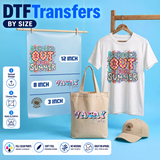
Transfer size depends on the garment, placement, and design.
For example, a small left-chest logo requires a very different size from a full front or oversized back print.
Before ordering, measure the printable area of the garment and compare it with the size of your artwork.
Popular placements include:
Using the correct size improves both appearance and consistency.
Sam’s DTF Transfers gives you multiple ways to order depending on your project.
Best when you have individual designs and know the size and quantity you need.
You can upload each design, select the transfer size, and order the quantity you need.
Order DTF Transfers By Size:
Best when you have multiple designs, sizes, or quantities and want to fit them efficiently onto one sheet.
The Gang Sheet Builder allows you to arrange multiple designs and use the available print space efficiently.
Build Your Gang Sheet:
Already created your own gang sheet?
Upload your finished layout and choose the appropriate sheet length.
Upload Your Gang Sheet:
Ordering ready-to-press transfers lets you focus on pressing garments instead of maintaining printing equipment.
It is especially useful for:
You can order a single project or larger quantities without setting up screens or separating colors.
DTF is especially useful for businesses that regularly receive mixed artwork, small quantities, or full-color orders.
Instead of creating a screen for every color and design, you can order transfers as needed and press them onto the garments you already stock.
This makes DTF useful for:
For Sam’s DTF Transfers, a good starting range is 290–310°F.
Press for approximately 7–10 seconds with medium pressure, followed by a 3–5 second finishing press.
Sam’s DTF Transfers are designed for hot peel application.
Yes. DTF transfers are beginner-friendly because the transfer arrives printed and ready to press. You do not need to own a DTF printer.
A heat press is strongly recommended because it provides more consistent temperature and pressure than a household iron.
Yes. DTF can be applied to many polyester garments, although some polyester fabrics require lower heat or additional testing.
Yes. Cotton is one of the most popular fabrics for DTF transfers.
Yes. A Cricut-style heat press can work for many DTF applications. A common starting point is approximately 310°F for 15 seconds, with even pressure across the design.
Place the carrier film back down and press the affected area again briefly. Check temperature and pressure before continuing.
When ordering professionally printed DTF transfers, follow the upload instructions on the product page. The production process handles the required print orientation.
You do not need expensive DTF printing equipment to create professional custom apparel.
Upload your design, order your transfers, and apply them using a heat press.
Whether you need one individual design, multiple transfers, or a complete gang sheet, Sam’s DTF Transfers gives you several ways to order.
For complete pressing instructions, equipment-specific guidance, troubleshooting, and application tips, see our DTF Heat Press Guide.
https://samsdtftransfers.com/pages/order-custom-dtf-transfers
Same-Day Ship-out available on eligible print-ready orders. No minimums. Bulk pricing available. Fast nationwide shipping.
Join our newsletter for guides, new designs and shop-growth ideas — a few great reads each month.


Comments (0)
Be the first to leave a comment.
Leave a Comment